
Jobryx At A Glance
From first lead to completed job and recurring revenue, Jobryx keeps office teams, field teams, and leadership aligned on one tenant platform.
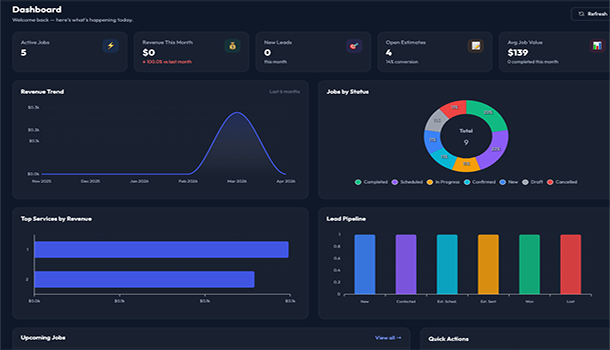
1. Live Operations Dashboard
Track active jobs, monthly revenue, new leads, open estimates, upcoming work, and recent activity in one visual command center.
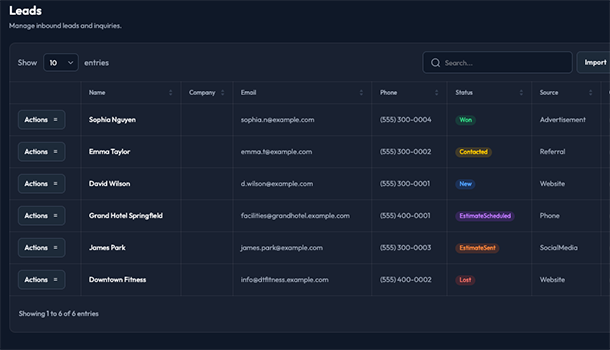
2. Lead Management
Capture and organize inbound opportunities so your team can follow up quickly and move qualified demand into sales and job workflows.
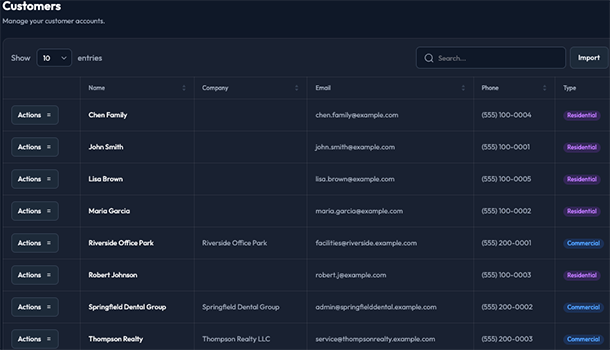
3. Customer CRM
Keep customer records centralized and searchable so every quote, job, and follow-up starts with clean account context.
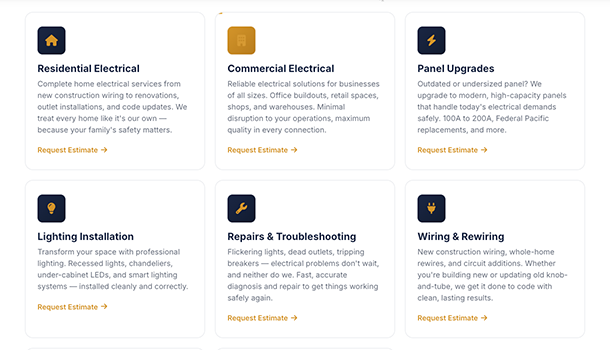
4. Service Catalog And Categories
Standardize the services you deliver by maintaining reusable offerings and organized categories.
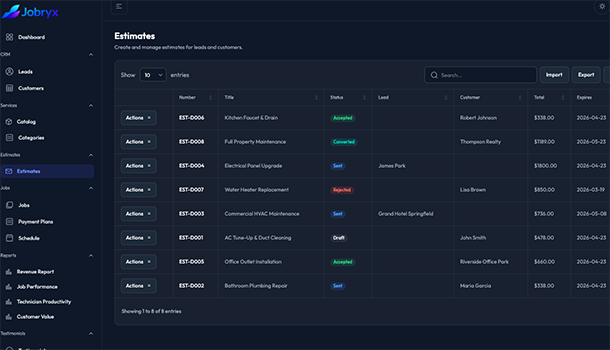
5. Estimate Builder
Create and manage estimates tied to leads and customers to improve consistency and conversion visibility.
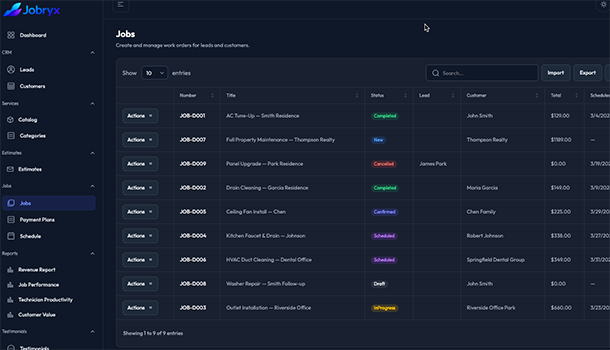
6. Job Management
Run execution with structured work orders, rich job detail editing, and coordinated office to field workflows.
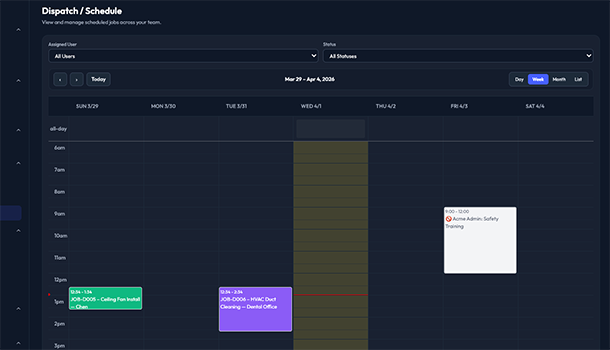
7. Dispatch And Scheduling
Plan technician workload with a shared calendar view to reduce conflicts and improve on-time delivery.
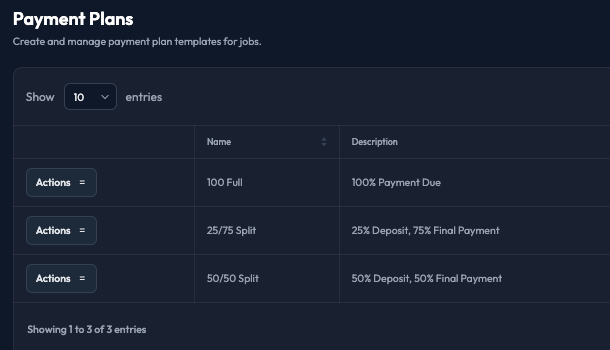
8. Job Payment Plans
Offer flexible payment plan templates for larger or staged work so customers can commit faster.
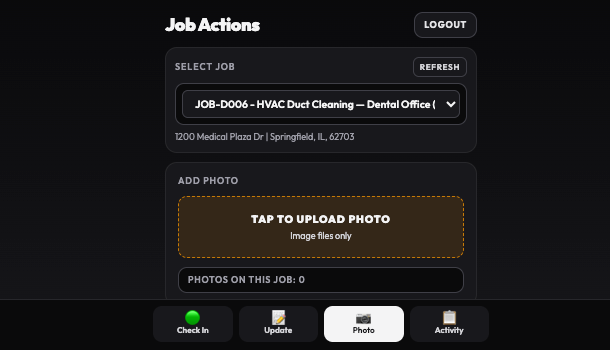
9. Technician Work Hub
Give field workers a focused action center that highlights what needs to happen next.
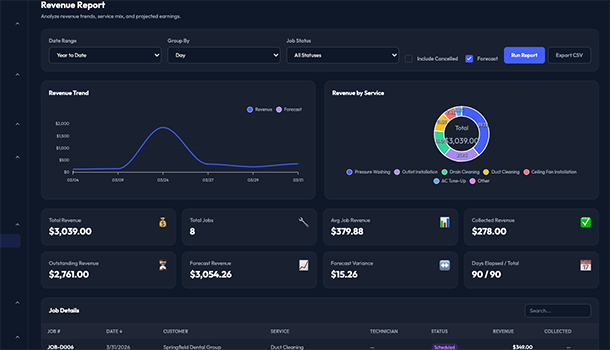
10. Operational Reporting Suite
Analyze Revenue, Job Performance, Technician Productivity, and Customer Value from tenant report pages.
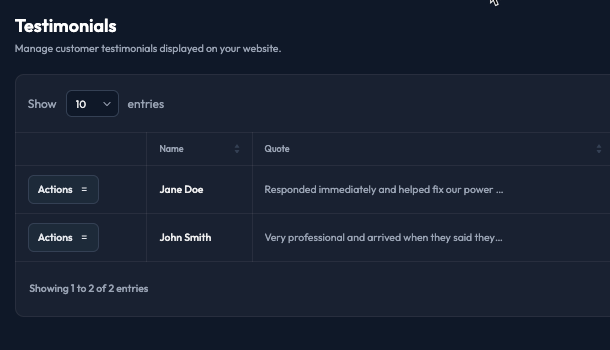
11. Testimonials Management
Publish and manage customer testimonials to strengthen trust and improve website conversion.
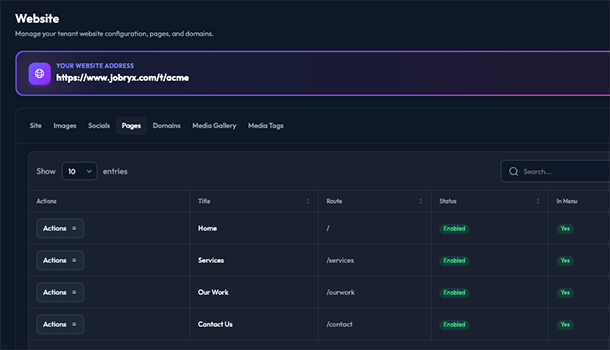
12. Tenant Website Management
Control your public website across Site, Images, Socials, Pages, Domains, Media Gallery, and Media Tags.
Getting Started
Launch Jobryx in days, not months.
Start with your workspace setup, configure core workflows, and get your team operational fast. Jobryx is built so you can move from trial to real production usage without re-platforming later.
Step 1
Create your tenant
Set company profile, users, and role access.
Step 2
Configure operations
Add services, forms, jobs, and scheduling flows.
Step 3
Go live confidently
Publish website pages and activate billing.
Ready to see Jobryx in action?
Choose the next step that matches where your team is today.